The survey you will create
Ask recent customers how to improve product discovery, distribute the survey by link and choose one improvement action.
01 Objective and audience
Define one decision the results will inform and who should answer.
One sentence: ask recent customers how to improve product discovery
Create an account → create a blank research
02 Questions and options
Choose the questions you need from the customer satisfaction example.
One concept per question · Non-overlapping options · Required answers where needed
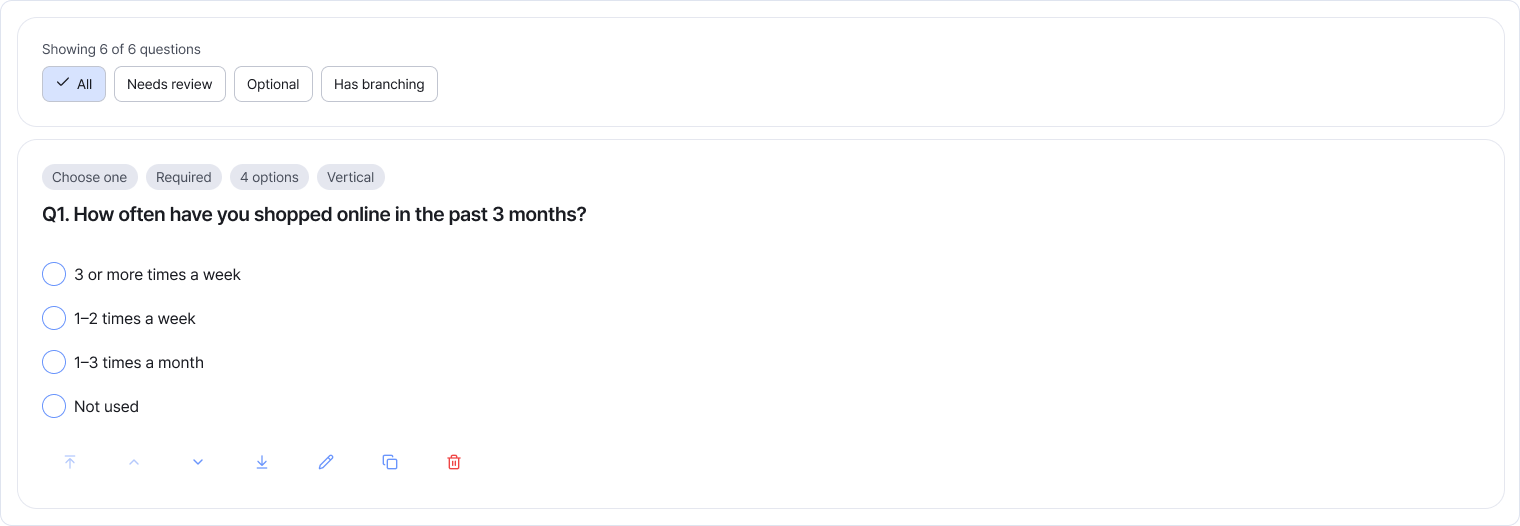
03 Response flow
Arrange the questions and add branching only where needed.
Respondents can answer questions relevant to their experience
04 Preview
Complete a trial response on desktop and mobile, then finish editing.
No clipped questions or options · Correct order · Measured completion time
05 Distribution
Choose link or email distribution and set the response period.
Distribution active · Response link opens · Audience and period checked
06 Review results
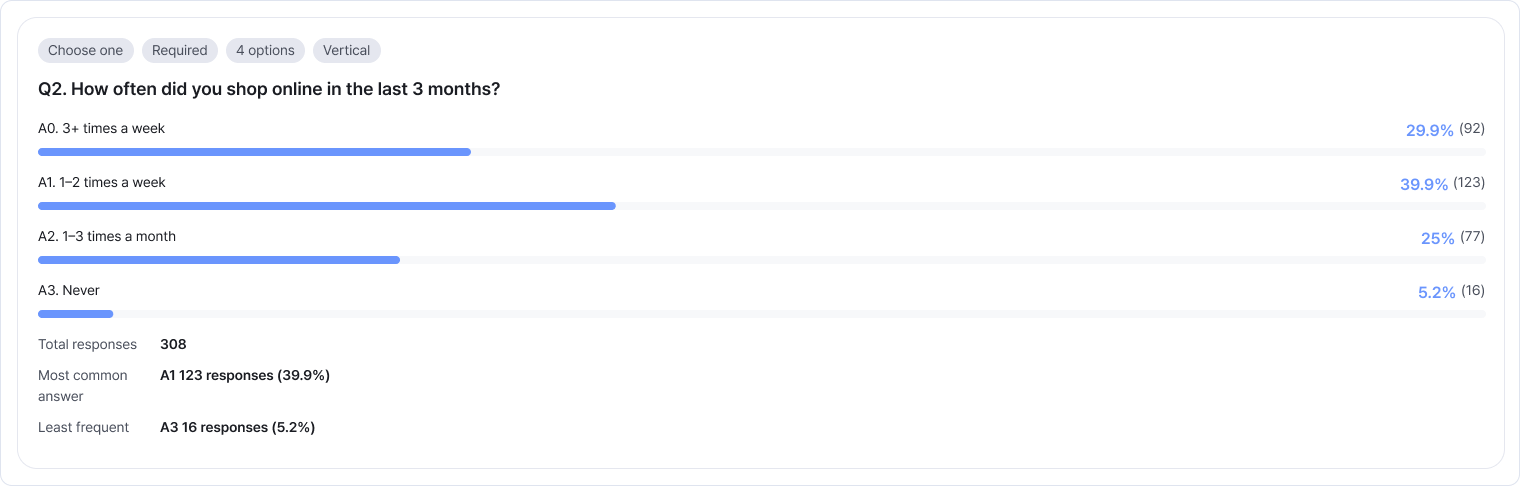
Read each question’s response distribution and written comments.
Check valid response counts · Choose one improvement action
Start your survey today.
Create and distribute your research in Alioth Research, then review the results.
Start for free