Let customer voicesguide your next decision.

Online surveys for customer satisfaction and product improvement.Create surveys, distribute them, collect responses, and analyze results in one place.

Start free and choose a plan as your research grows.

A team reviews customer feedback together using a survey results dashboard
Contact Us
Research for your work

Turn customer feedback into informed decisions

Start with what you want to learn. Find a plan that fits your work and research needs.

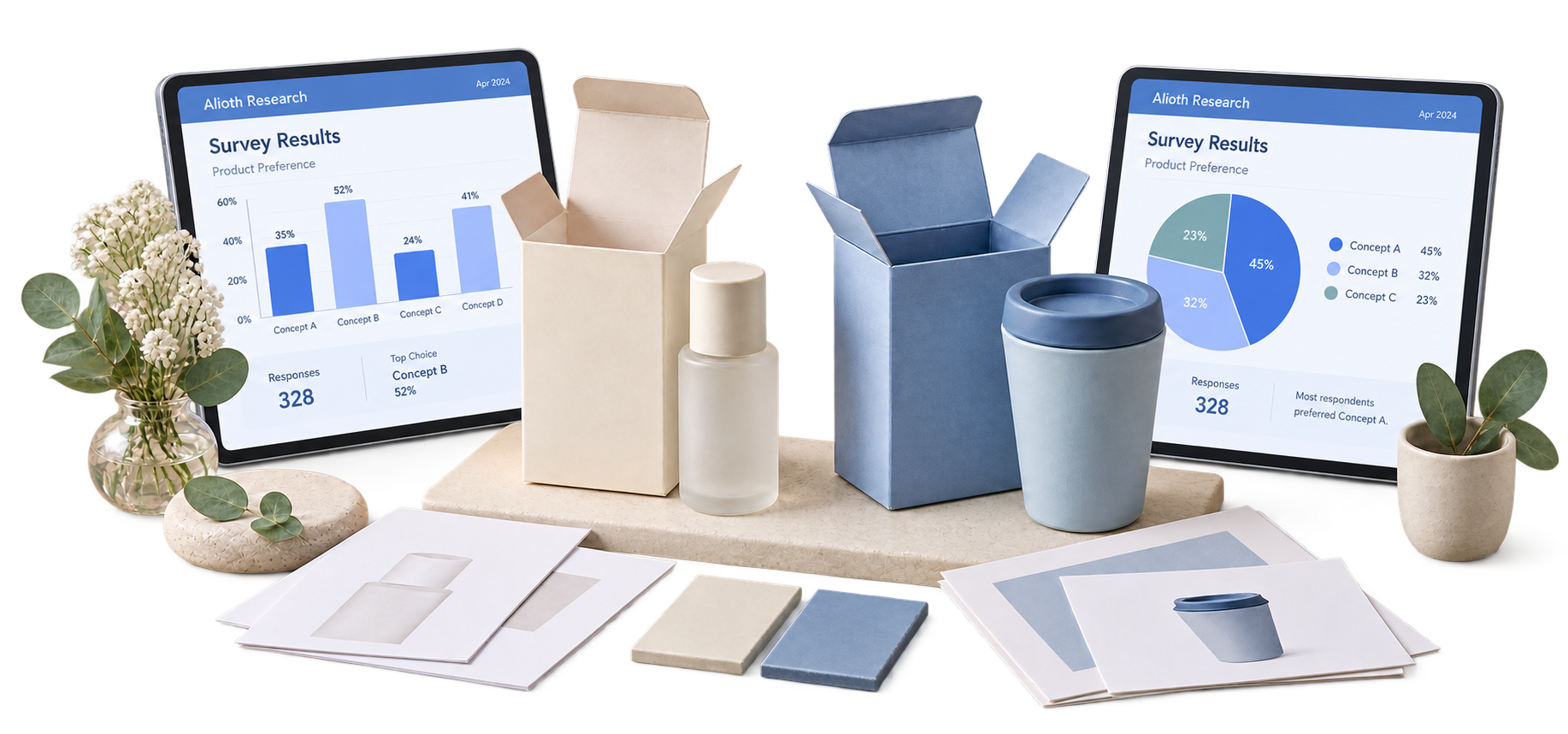
Survey bar and pie charts on tablets beside product samples help review feedback for product improvements
Use a small study to plan your next improvement.

Question design · Answer branching · Links and QR codes

Product and service improvement

Ask customers about your next idea

Understand preferences and reasons for choosingprioritize improvements to products, menus, and services.

Choose FREE for a small initial study

If you want initial feedback from 50 customers,start free with up to 100 monthly responses.

Explore FREE features Create your first survey
A customer conversation with speech bubbles, satisfaction faces and a trend chart illustrates customer satisfaction research
Review participation trends alongside customer feedback.

Email distribution · Participation tracking · Cross-tabulation

Customer satisfaction

Learn why customers do not return

Ask about purchase experiences and pain points,then compare customer groups to find areas to improve.

Choose PRO for branded customer research

If you survey 3,000 customers monthly under your own brand,use more responses, brand removal, and reusable settings.

Explore PRO features Read the customer satisfaction guide
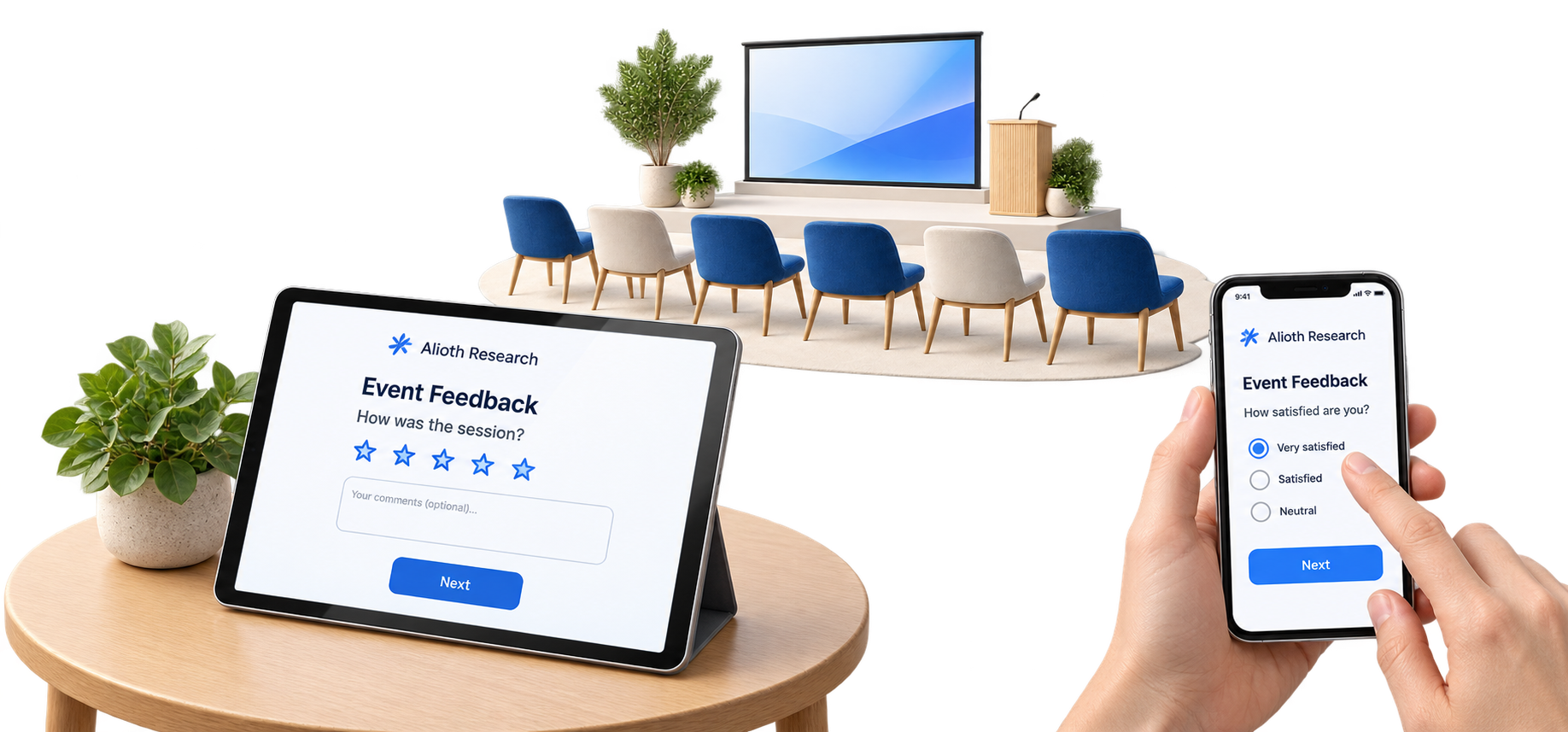
An event feedback survey displayed on a tablet and smartphone in front of an event venue
Organize recurring research and email schedules in one place.

Scheduled emails · Statistics · Excel export

Event and training evaluation

Keep recurring feedback studies running

Collect feedback after events and training,and use program statistics to plan the next session.

Choose STARTER for regular solo research

If you survey 600 learners monthly on your own,use 1,000 monthly responses and scheduled emails.

Explore STARTER features Read the event feedback guide
A team discusses research around a tablet, alongside symbols for members and progress
Share responsibilities with workspaces and role management.

Team workspaces · Member invitations · Role management

Team research

Manage research together as one team

Manage customer, employee, and program research together,with clear roles for every team member.

Choose TEAM when collaboration matters

If multiple people run the same research,choose based on collaboration needs rather than response volume.

Explore TEAM features Read the team survey guide

Illustrative use cases. Statistics and cross-tabulation are available on all plans. Choose based on volume, branding, and collaboration needs.

Enterprise tailored to your organization

Planning to expand research operations beyond your team to your entire organization?

From large-scale response collection and collaboration to security and system integration requirements, we review the operating conditions your organization needs together. Through a consultation, we help you understand the appropriate scope and adoption costs.

Your research, your way

Design it yourself, find answers in the results

Write your own questions and shape the flow around participants’ answers. Invite participation through links and email, then explore results with statistics and cross-tabulation. Bring design and analysis together in one place to fit your research goals.

Design your own questions and branching
Distribute easily through links and email
Explore results with statistics and cross-tabulation
Feature Overview

Everything your research needs, in one place

Create your questions and participation flow, then invite people in a way that fits your goals. Move from responses collected online or entered manually to tracking progress and analyzing results.

Why does it matter?

From writing questions to organizing results,is your to-do list growing?

Writing questions, inviting participation, and organizing the responses you collect.Switching tools at every step can meanspending more time on administration than on research.

Questions, distribution, and results are managed across different tools.
Responses collected directly are organized separately.
Data needs to be prepared repeatedly for analysis.
How does it work?

Flexible ways to create,flexible ways to collect

Combine online participation with manual response entry.Access the tools for design, collection, and analysis in one place.

Question cards and a pencil illustrate creating survey questions

Write your own questions

Write questions that fit your goals and arrange them in the order you need.

A question branches into different next questions based on the answer

Branch based on answers

Design a flow that leads to the next question based on each participant’s answers.

A paper plane above URL, email and QR code symbols illustrates survey distribution

Share by link, email, or QR

Invite participation in a way that fits your audience and research context.

Two people discuss and record responses together using a tablet during in-person research

Research for in-person participation

Enter responses directly and manage the entries in one place.

Bars and a magnifying glass illustrate exploring survey statistics and results

Track progress and analyze results

Explore results through participation trends, question statistics, and cross-tabulation.

A document with answer options and a pencil represents editing survey questions

Easy Editor

Build even complex logic with simple mouse clicks in a low-code research creation environment.

Bar and line charts represent analyzing survey participation trends

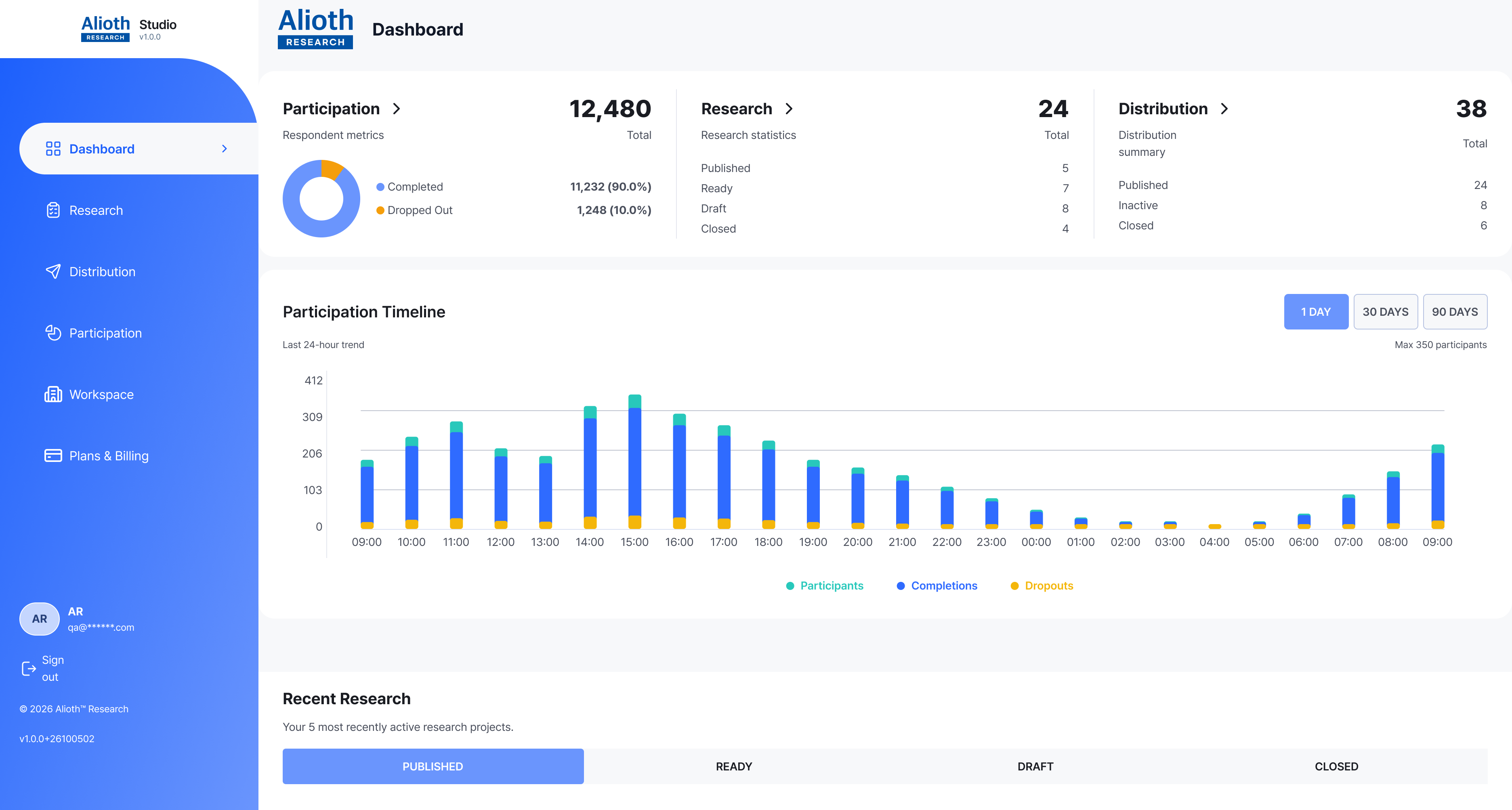
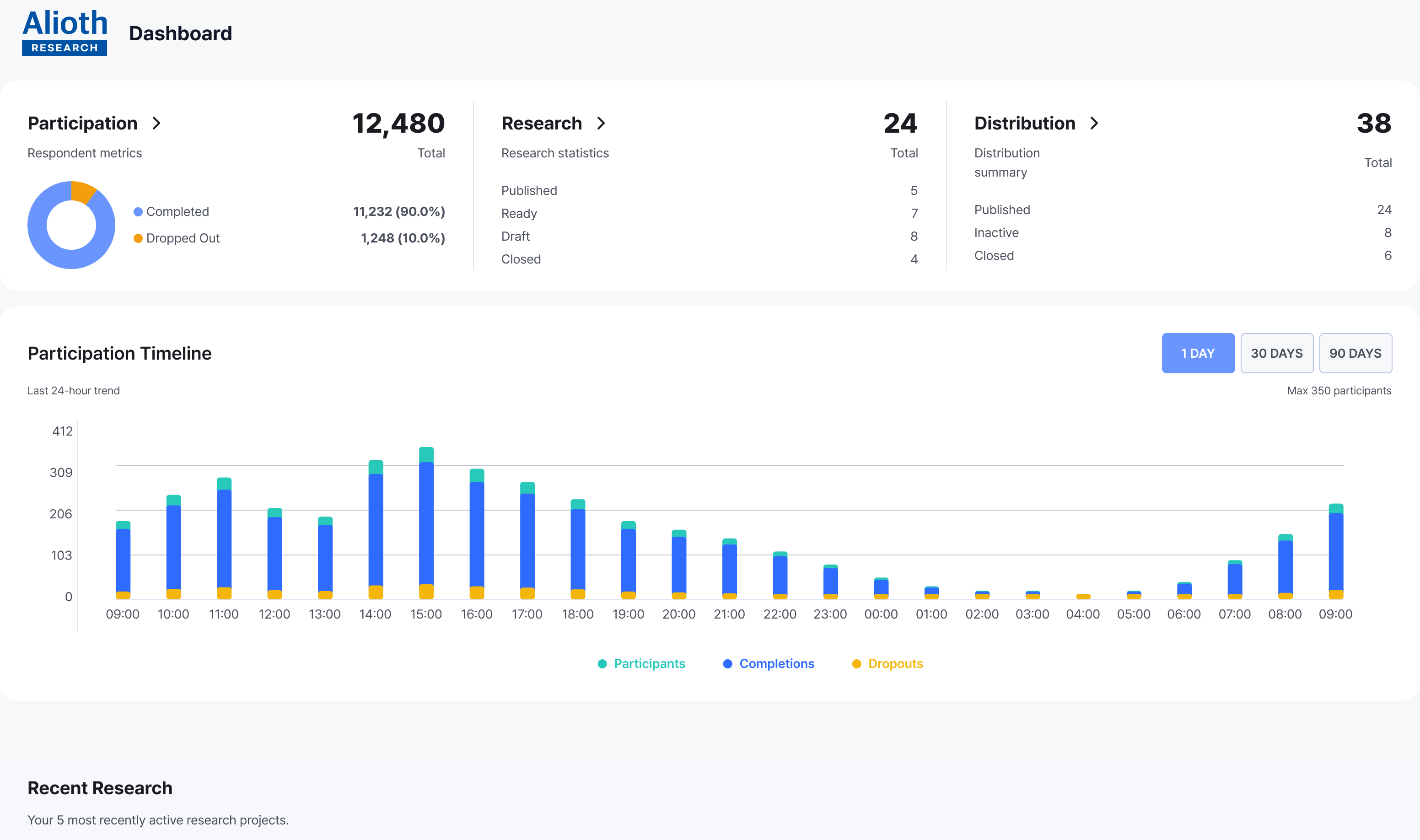
Real-Time Analytics Dashboard

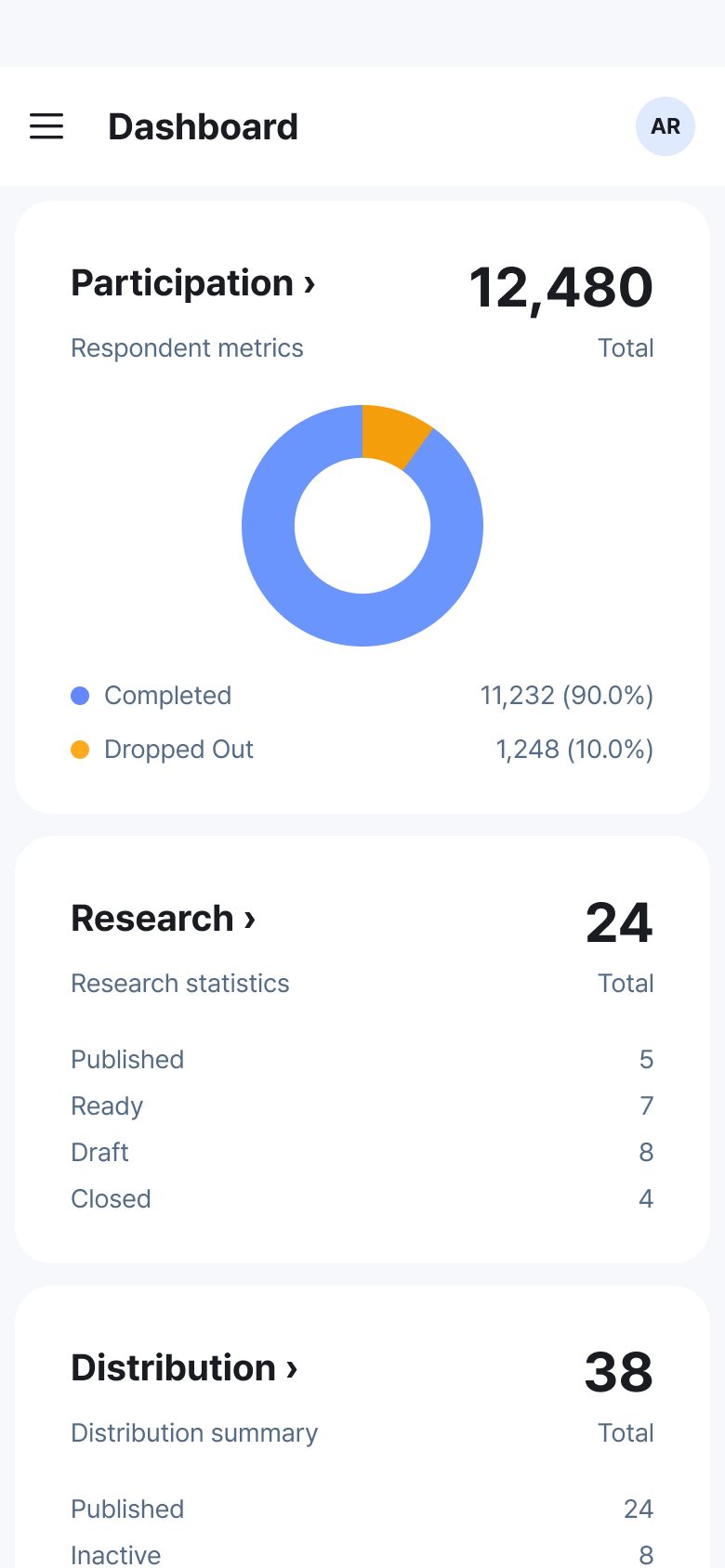
Visualize participation trends and per-question results as soon as responses are collected, so you can read them immediately on desktop or mobile without extra processing.

A survey branching diagram splits into two paths according to answer conditions

Smart Branching Logic

Easily design sophisticated research flows where the next question path changes based on the respondent's selection.

Email, URL and QR code symbols represent ways to invite survey participants

Multichannel Distribution

Distribute through links, email, QR codes, and more to reach more accurately and improve participation rates.

A survey results report illustrated with a pie chart and summary lines

Automated Result Reports

Move faster to the next decision and follow-up action with visualized reports generated as soon as data is collected.

A shield and padlock symbolize protected access to research

Bank-Grade Security Solution

Supports an on-premise deployment option so you can reduce concerns about external data leakage.

Keep your research moving on desktop and mobile

Create questions on your PC and check participation and results on mobile.

A structure where authoring, operations, and analysis stay connected

A single research project runs like this

We designed the entire flow around a structure where authoring, distribution, participation monitoring, and result interpretation are not separated.

Alioth Research

Start your first research today.

Create questions, collect responses, and find the insights for your next decision.