Create research
Start with a template or from scratch
Use ready-made questions or build a new research project of your own.
The names, email addresses, and team details shown are fictional examples for illustration.
Only owners, administrators and editors can create or edit research.
Before you start
Decide what you want to learn and who to ask. This guide uses Online shopping experience and repurchase intent · Round 2 as an example.
Step by step
-
Choose how to start
Select Start from template in the research list to use ready-made questions. Choose Create to build your own.
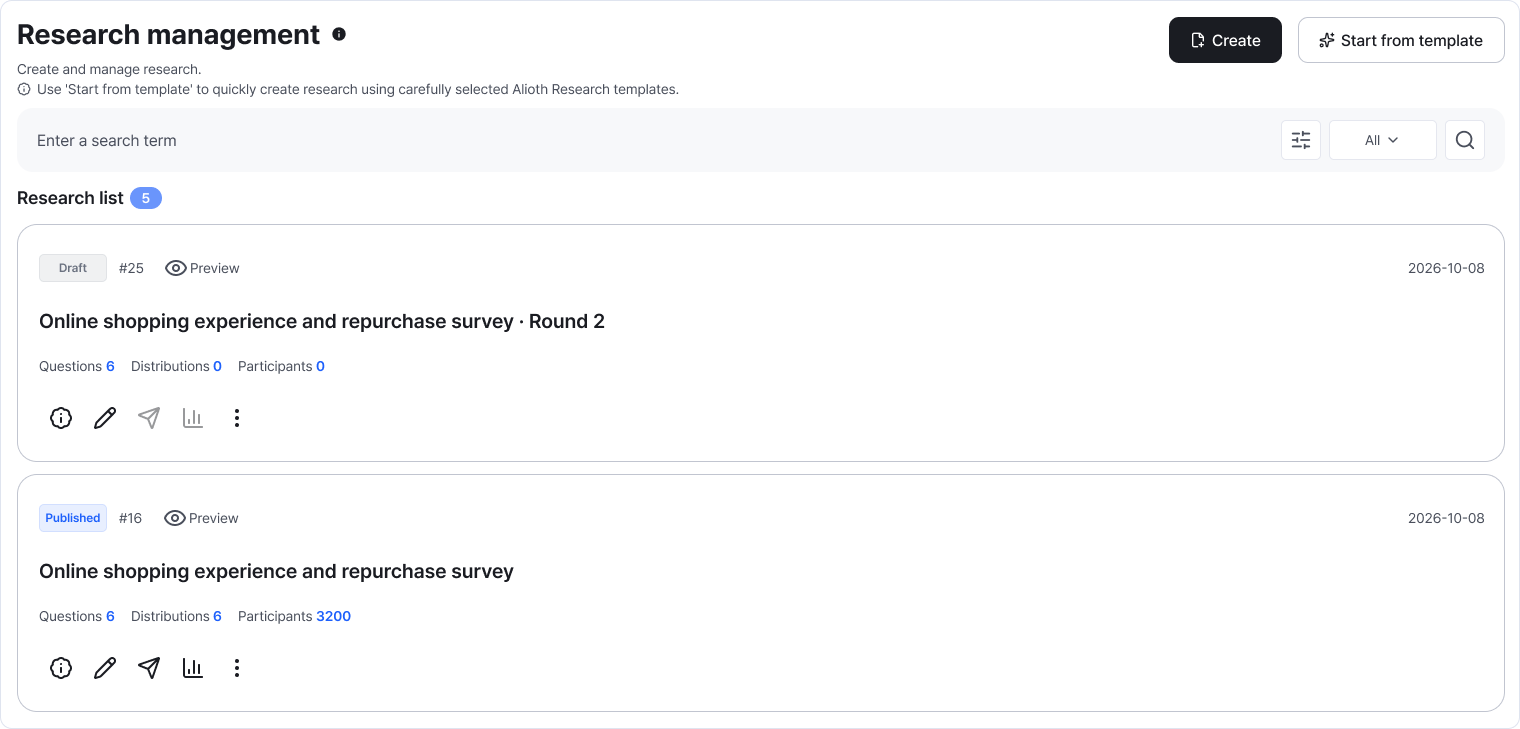
Both start options are at the top right of the research list. Enlarge image ↗ -
Preview a template before choosing it
Read its title and description, and use Preview to inspect the questions. Select the template card you want, then adapt its title, introduction and questions to your research.
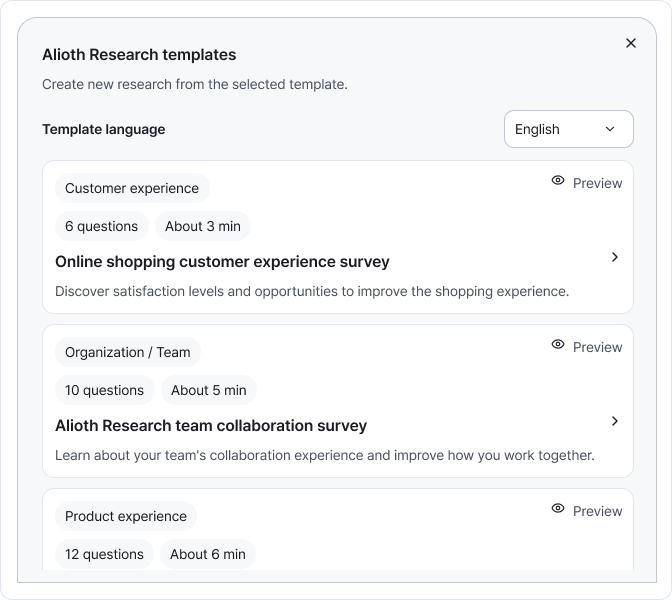
Preview lets you inspect a template; selecting its card starts using it. Enlarge image ↗ -
Give blank research a title and introduction
The title appears in the list and participant screen. Briefly explain the purpose, expected time and how to answer. For example: Tell us about your online shopping in the past three months. This takes about five minutes.
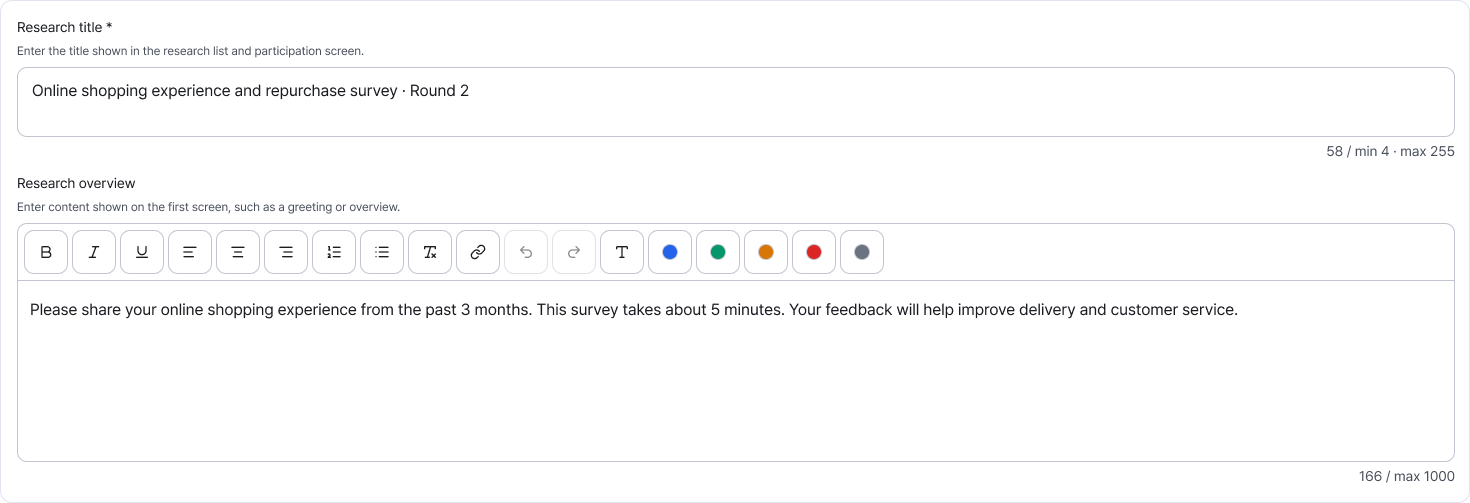
A clear title and introduction help participants understand the research. Enlarge image ↗ -
Save and open question editing
Select Save, then Edit questions under Next step. Start with one question and add the rest as needed.
Check that you're done
You're ready when the research is saved as a draft and question editing opens.
If you need help
Can't save? Read the note below the title. Use 4–255 characters. Even with a template, read the introduction and questions to make sure they suit your purpose.
Was this guide helpful?
Tell us if something was unclear or missing.
Send feedback on this guide →